The Petlibro automatic pet feeder is a reliable and innovative solution for managing pet nutrition, offering features like precise portion control, scheduled meals, and smart app integration. These feeders ensure pets receive consistent, healthy meals, even when owners are away, and come in various models, including vacuum-sealed for freshness, compact cordless designs, camera-equipped for monitoring, RFID-enabled for multi-pet homes, and specialized options for wet food.
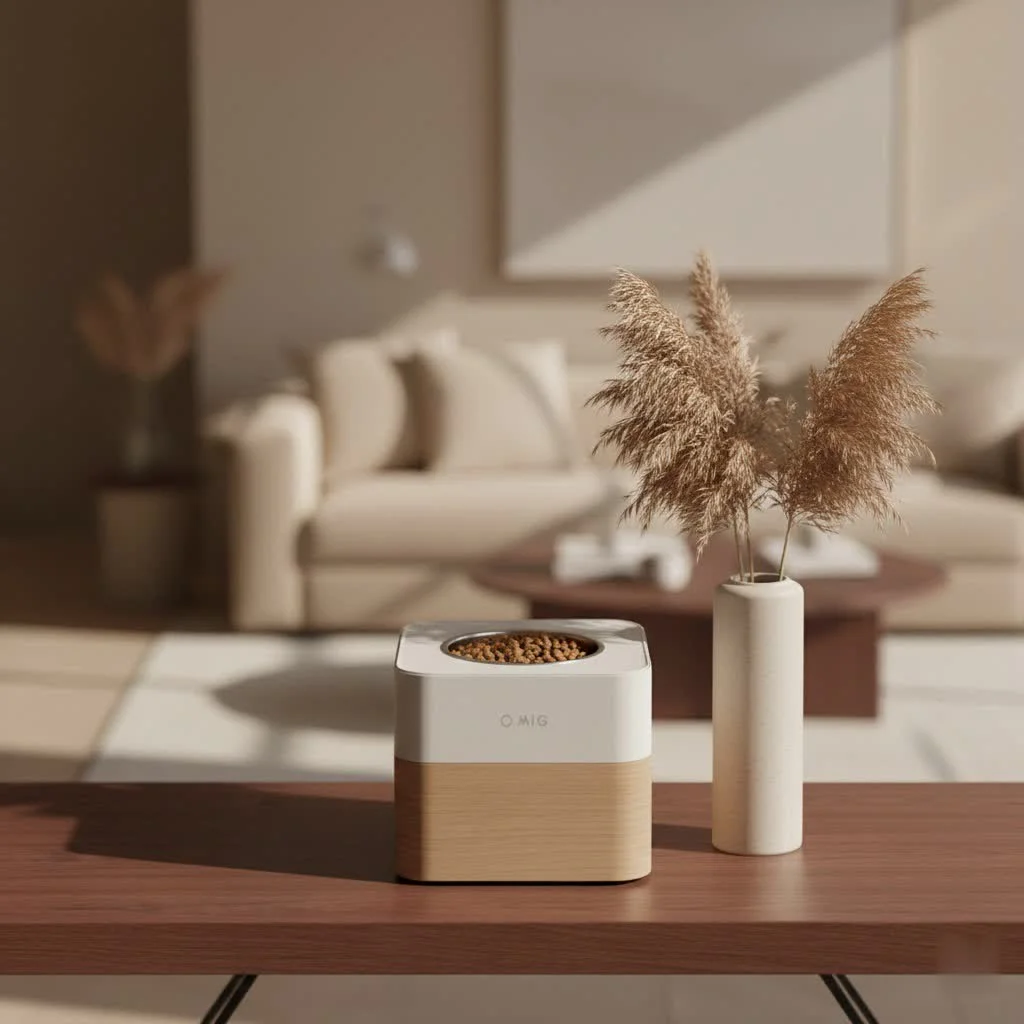
This comprehensive guide explores Petlibro models, their benefits, setup, and common troubleshooting, equipping pet parents with the knowledge to choose, use, and maintain their feeder for optimal pet health and owner peace of mind. For shop curated reviews on this site.
Why Choose a Petlibro Automatic Pet Feeder?
Investing in a Petlibro automatic pet feeder enhances your pet’s well-being and simplifies your daily routine.
Reliability and Peace of Mind
Petlibro feeders offer significant reliability, dispensing meals accurately and consistently, so pets never miss a feeding. Many models include battery backup, ensuring schedules remain uninterrupted even during power outages, providing ultimate peace of mind.
Health Benefits: Portion Control and Scheduled Meals
Petlibro automatic pet feeders provide precise portion control, allowing owners to tailor meal sizes to specific dietary needs, which is crucial for weight management and consistent nutrition. Fixed feeding schedules mimic natural grazing behaviors for cats and establish structured routines for dogs, preventing digestive upset and promoting a healthy metabolism.
Convenience for Busy Lifestyles
For busy pet owners, a Petlibro automatic pet feeder ensures uninterrupted mealtime routines. Smart models, controlled via an intuitive app, allow remote adjustment of schedules, dispensing extra meals, or even interacting with pets from anywhere, integrating seamlessly into a hectic life.
Discovering Your Perfect Match: Popular Petlibro Models
Petlibro offers a diverse range of automatic pet feeders, each designed with unique features to cater to different pet needs and household dynamics.
The Freshness Factor: Petlibro Vacuum-Sealed Feeder
For pet parents prioritizing food freshness, the Petlibro Vacuum-Sealed Feeder, such as the Petlibro Space, is ideal. These feeders pump out excess air from the food storage tank after each meal or when the lid is closed, keeping kibble fresh for longer periods.
Key Features:
- Vacuum Sealing Technology: Locks in freshness, preserving nutrient integrity and palatability.
- Generous Capacity: Models like the Space Feeder hold up to 7 pounds of dry kibble, suitable for larger pets or multi-pet households.
- Customizable Voice Calls: Record up to 10 unique voice messages to comfort pets during meal times.
- App Alerts: Receive notifications when food is dispensed or vacuum sealing occurs, offering real-time updates.
Best For: Pet parents prioritizing optimal food freshness, those with larger pets, or multi-pet homes requiring a substantial, well-preserved food supply.
Compact & Cordless Freedom: Petlibro Air Feeder Series
|
Our Picks for the Best Pet Feeder in 2026
As an Amazon Associate I earn from qualifying purchases.
|
||
| Num | Product | Action |
|---|---|---|
| 1 | PETLIBRO Automatic Cat Feeder with Camera, 1080P HD Video with Night Vision, 5G WiFi Pet Feeder with 2-Way Audio, Low Food & Blockage Sensor, Motion & Sound Alerts for Cat & Dog Single Tray |

|
| 2 | VOLUAS Automatic Cat Feeders - Timed Pet Feeder for Cats and Dogs with Dry Food Dispenser, Desiccant Bag, Programmable Portion Control, 4 Daily Meals, 10s Voice Recorder |
|
| 3 | PETLIBRO Automatic Cat Feeder, 5G WiFi Automatic Dog Food Dispenser with Freshness Preservation, 5L Timed Pet Feeder with Low Food Sensor, Up to 10 Meals Per Day, Granary Black |
|
| 4 | Sure Petcare -SureFlap - SureFeed - Microchip Pet Feeder - Selective-Automatic Pet Feeder Makes Meal Times Stress-Free, Suitable for Both Wet and Dry Food - MPF001 |
|
| 5 | oneisall Automatic Cat Feeder for 2 Cats, 20 Cups/5L Automatic Cat Food Dispenser for Small Pets Indoor, Timed Cat Feeder for Dry Food |
|
| 6 | Amazon Basics Automatic Dog Cat Water Dispenser Gravity Feeder Set, Pack of 2, Small, 6-Pound Food Capacity, 1-Gallon, Gray |
|
| 7 | PETLIBRO Automatic Cat Feeder – 3L Programmable Pet Food Dispenser with Airtight Storage, Timed Portion Control, Voice Meal Call & Dual Power Supply, Clog-Free Healthy Feeding for Cats & Small Dogs |
|
| 8 | Automatic Cat Feeder, 4L Cat Food Dispenser with 10s Voice Recorder, Pet Feeder up to 8 Meals per Day, Timed Dog Feeder with Dry Food Sealed Ring (White, 4L-Basic) |
|
| 9 | Pet Food Maker, Automatic Home Kitchen Appliance for Preparing Fresh Pet Meals |
|
| 10 | IMIPAW Automatic Cat Feeders, 3L Timed Cat Dry Food Dispenser with Desiccant Bags, Dual Power Supply, Programmable Portion Size, 6 Meals, 20 Portions Per Day, Auto Pet Feeder for Cats and Small Dogs |
|
The Petlibro Air Feeder series offers flexibility and a space-saving design. These feeders are compact, often cordless, and boast impressive battery life, making them versatile for various home setups.
Key Features:
- Portable Design: Small footprint fits neatly into any feeding area.
- Long Battery Life: The non-Wi-Fi Air Feeder model operates for up to 180 days on batteries, offering true cordless convenience.
- Flexible Meal Programming: Dispense up to 6 meals per day with adjustable portion sizes (1 to 16 portions).
- Two Models Available: Choose between a basic model with manual programming or a smart Wi-Fi enabled version for app control.
Best For: Pet owners with limited space, those seeking a highly portable feeder, or individuals who prefer a long-lasting battery-powered option with or without smart capabilities.
Smart Monitoring & Interaction: Petlibro Granary Camera Feeder
For tech-savvy pet parents, the Petlibro Granary Smart Camera Feeder offers integrated video monitoring.
Key Features:
- Integrated Camera: Watch pets eat, monitor behavior, and interact through two-way audio.
- App Control & Real-time Alerts: Receive instant notifications when pets approach the feeder or eat, and manage schedules remotely.
- Desiccant Bag for Freshness: Helps keep kibble dry and fresh; regular replacement is advised.
- Battery Backup: Ensures feeding continues during power outages.
Considerations: Some users note potential accuracy issues with very small kibble sizes and occasional camera connectivity bugs, though Petlibro provides fixes. For strictly measured diets, a feeder with a built-in scale might be more precise.
Tailored Feeding for Multi-Pet Homes: Petlibro One RFID Feeder
The Petlibro One RFID Feeder is an ingenious solution for multi-pet households, especially for individual dietary needs. This feeder uses RFID (Radio-Frequency Identification) technology to recognize specific pets.
Key Features:
- RFID Tag Recognition: The feeder only opens its lid and dispenses food when it detects the assigned RFID collar tag, preventing food theft among pets.
- Personalized Feeding: Ensures each pet receives their specific portion, vital for managing special diets, weight, or food allergies.
- Eating Habit Tracking: The accompanying app monitors pet eating times and frequency, providing valuable insights.
Best For: Households with multiple pets, particularly where one pet is on a special diet, needs weight management, or exhibits food guarding behaviors.
Innovation for Wet Food Lovers: Petlibro Polar Wet Food Feeder
The Petlibro Polar Wet Food Feeder is a unique offering designed specifically for wet food, addressing a long-standing challenge for automated feeding.
Key Features:
- Refrigerated Compartment: Utilizes semiconductor cooling technology to keep wet food fresh for up to 3 days.
- Scheduled Wet Food Dispensing: Provides scheduled wet meals, offering significant health benefits to pets thriving on a wet food diet.
- Smart App Control: Manage feeding times and monitor the feeder via the Petlibro app.
Best For: Pet owners who want to offer scheduled wet food meals, especially beneficial for pets with specific dietary needs that require moist food.
Getting Started: Setup and Programming Your Petlibro Feeder
Setting up your Petlibro automatic pet feeder is usually a straightforward process, but a few key steps ensure a smooth start.
Initial Assembly and Power-Up
Most Petlibro feeders require minimal assembly. Typically, attach the food bowl, secure the food tank, and plug in the power adapter. Many models recommend installing backup batteries for continuous operation during power outages. Always use the original power cord and adapter for optimal performance.
Connecting to the Petlibro App (for Smart Models)
For Wi-Fi enabled Petlibro automatic pet feeders, connecting to the app is crucial for smart control.
- Download the Correct App: Ensure you download the main “Petlibro” app, not “Petlibro Lite.”
- 2.4 GHz Wi-Fi: Petlibro smart feeders typically only support 2.4 GHz Wi-Fi networks. Set your router to this frequency and position the feeder within 15 feet of your router for a stable connection.
- Pairing Process: Follow in-app instructions to pair your feeder, often involving resetting the feeder (holding a button for a few seconds until an indicator flashes) and then connecting through the app.
Crafting the Perfect Feeding Schedule
Once connected, programming your feeding schedule is intuitive.
- Set the Current Time: Access the settings interface via the feeder’s buttons or the app to set the correct time.
- Define Meal Times: You can typically set multiple meal times throughout the day, often up to 6 or even 10 meals, depending on the model.
- Adjust Portion Sizes: Customize the portion size for each meal by selecting a number of “portions” or “units” corresponding to a specific kibble amount.
- Record a Voice Message: Many Petlibro feeders allow recording a short message that plays at mealtime, adding a familiar touch for your pet.
Smooth Sailing: Essential Maintenance for Your Petlibro Feeder
Proper maintenance is key to ensuring your Petlibro automatic pet feeder operates efficiently and hygienically for years to come.
Regular Cleaning Routines
Cleaning your feeder regularly is vital for your pet’s health and to prevent food residue buildup.
- Disassembly: Most Petlibro feeders are designed for easy disassembly. The food tank, food tray, and lid (without the desiccant bag) are typically washable.
- Washing: Hand-wash removable parts with cool or warm soapy water. Avoid immersing the main base unit, which contains electronic components, in water.
- Drying: Allow all parts to air dry completely before reassembling to prevent moisture-related issues or mold growth.
- Bowl Hygiene: Clean the stainless steel food bowl daily or at least once a week. A spare bowl can simplify this process.
- Desiccant Bag Replacement: If your feeder uses a desiccant bag, replace it frequently, typically every two weeks, to maintain effectiveness and prevent mold.
Protecting Your Feeder’s Longevity
A few simple practices can extend the life of your Petlibro feeder:
- Kibble Size: Ensure dry kibble is within the recommended size range (typically 2-15mm in diameter) to prevent clogs and ensure smooth dispensing.
- Dry Food Only: Petlibro dry food feeders are designed exclusively for dry kibble. Using wet or moist food can lead to clogs and damage (the Polar Wet Food Feeder is the exception).
- Proper Power: Always use the original power adapter and ensure the feeder is plugged into a stable power source. Consider using the battery backup as a safeguard.
- Avoid Overfilling: Overfilling the food tank can lead to dispensing issues. Fill it to the indicated max line or slightly below.
When Things Go Awry: Troubleshooting Common Petlibro Issues
Even with the best technology, occasional hiccups can occur. Here’s how to troubleshoot common issues with your Petlibro automatic pet feeder.
Food Not Dispensing? Here’s What to Check
If your feeder isn’t delivering meals as scheduled, systematically go through these checks:
- Check Power: Ensure the feeder is plugged in securely and the power adapter is functioning. Verify if backup batteries are installed and charged.
- Kibble and Clogs: Confirm kibble size is within specifications (2-15mm). Empty the food tank and inspect the rotor, food outlet, and anti-clog detector for stuck kibble or debris. Clean these areas thoroughly.
- Manual Feed Test: Perform a manual feed by double-pressing the “Down” button or using the manual feed option in the app. This helps determine if the motor rotor is working properly.
- Schedule Review: Double-check your feeding schedule and portion settings in the app or on the feeder’s display. Ensure the portion isn’t set to zero and the times are correct.
Wi-Fi Connectivity Challenges
For smart feeders, Wi-Fi issues can prevent remote control and notifications.
- Router Reset: A simple router reboot can resolve connection problems. Ensure your router broadcasts a 2.4 GHz network, as Petlibro feeders typically don’t support 5 GHz.
- Feeder Reset: Perform a factory reset on your Petlibro feeder, usually by holding a reset button on the base for a few seconds.
- Proximity to Router: Position the feeder within 15 feet of your Wi-Fi router for optimal signal strength.
- Mobile Hotspot Test: As a diagnostic step, try connecting the feeder to a temporary mobile hotspot from another phone. If it connects successfully, the issue likely lies with your home router’s settings.
Expert Insights from MJ’s Food Club
“In my years of working with automated pet care, the Petlibro automatic pet feeder truly embodies the perfect blend of innovation and practicality,” says Julian Vance, a leading pet technology specialist at MJ’s Food Club. “What sets them apart is their commitment to consistent feeding and addressing real-world pet owner challenges, from food freshness to multi-pet dynamics. The key to maximizing their benefits is understanding your pet’s unique needs and diligently maintaining the device. This proactive approach ensures a long-lasting, beneficial relationship with your Petlibro feeder, fostering healthier habits for your beloved companions.”
Conclusion
The Petlibro automatic pet feeder represents a significant leap forward in responsible pet ownership. By offering customizable feeding schedules, precise portion control, and a range of smart features across various models, Petlibro empowers you to provide optimal nutrition and care, even with a demanding schedule. From the vacuum-sealed freshness of the Space Feeder to the multi-pet intelligence of the One RFID, there’s a Petlibro solution designed to fit your unique lifestyle and your pet’s individual needs.
Embracing this technology means giving your pet the gift of consistent, healthy meals and giving yourself the invaluable gift of peace of mind. Explore the possibilities, set up your feeder, and enjoy the harmonious balance it brings to your home. For more expert advice and to share your own Petlibro experiences, join the MJ’s Food Club community!

The Petlibro feeder with the camera has been fantastic for keeping an eye on my dog while I’m out. It’s great to see him eating and just check in on him throughout the day. Setup was pretty straightforward, though I did have a small hiccup connecting to my Wi-Fi initially. Once it was up, it’s been working flawlessly.
I’ve been using the Petlibro automatic feeder for a few months now, and it’s been a game-changer for my two cats. The portion control is super accurate, which helps a lot with one of my cats who tends to overeat. I love that I can schedule meals right from my phone, even when I’m stuck at work late. It really gives me peace of mind knowing they’re fed on time.
I got the compact cordless Petlibro model for my small apartment, and it’s mostly good. The battery life is decent, and it doesn’t take up much space. My only real complaint is that the food dispenser sometimes gets a little jammed with larger kibble pieces, which means I have to check it more often than I’d like. It’s not a dealbreaker, but a bit annoying.
The vacuum-sealed Petlibro feeder is brilliant! My cat is super picky about fresh food, and this keeps her kibble perfectly crisp. I used to worry about her food going stale, especially with larger bags, but not anymore. It’s definitely worth the investment for pet parents who prioritize food freshness.